
Forza Horizon 6 Money, Credit & Skill Point Farm Using FAFE
FAFE automates the repetitive parts of earning skill points, batch-buying cars, unlocking Wheelspin rewards from compatible cars' mastery trees and collecting Wheelspin rewards. This guide explains the complete public workflow and how to run each mode safely.
How the FAFE farming workflow works
AFK Races: repeat your selected EventLab race to build skill points while FAFE handles starting, driving and restarting.
Buy Cars: manually open any purchasable car to buy it in batches, or start from the main menu to use the automatic 22B-STI preset.
Unlock Wheelspins: process a selected garage block and unlock the mastery nodes you marked in the grid.
Auto Wheelspins: run normal or Super Wheelspins, collect rewards and handle duplicate-car prompts.
Delete Cars: remove used cars from a carefully confirmed garage range when cleanup is needed.
This is why FAFE can help with searches such as Forza Horizon 6 money farm, credit farm and skill point farm: it reduces the repetitive input across the legitimate in-game reward loop rather than modifying your balance.
Initial setup
- Run Forza Horizon 6 in Borderless or Windowed mode.
- Select the correct game monitor in FAFE.
- Match FAFE's game-menu language to the language shown in Forza.
- Keep the game visible. It may be covered or unfocused in background mode, but it must not be minimized.
- If Forza runs as administrator, run FAFE as administrator too.
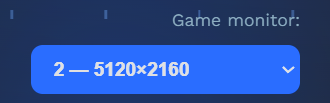
Use F9 to start or stop. The countdown is 3 seconds; with background mode enabled, you do not need to switch back to Forza. Test each mode with a small count while watching the Activity log before leaving it unattended.
Read the complete first-time setup guide →Forza Horizon 6 skill point farm with AFK Races
Use a fully upgraded Subaru Impreza 22B-STI with its stock paint job. Enable Auto Steering, Traction Control and Stability Control; choose Manual or Automatic shifting according to the EventLab map; and set HUD & Gameplay → Skills to Off. Make sure your last-played EventLab event is the race you intend to repeat. You can begin from the main menu or place the game on the Start Race screen.
- FAFE detects the Start Race prompt and enters the event.
- After the countdown it holds W for the timed race.
- It detects the results/restart screen, releases W and restarts.
- The loop continues until the configured count is reached or you press F9.
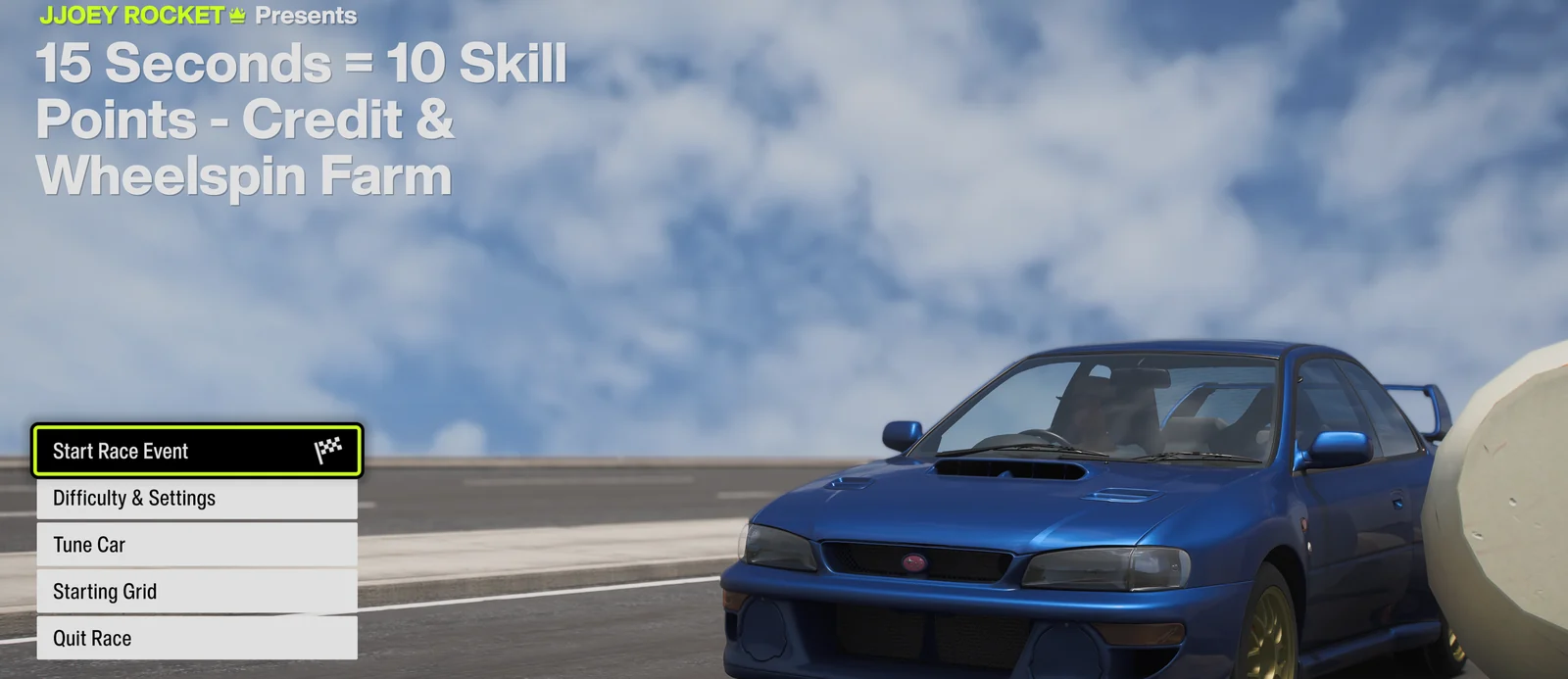
Run one observed loop first. If the game misses menu input, increase Race Post-key Wait. On a weaker CPU, raise the Race Detection Interval.
Read the complete AFK Races guide →Buy cars in batches
FAFE can repeatedly purchase any car that is available through Car Collection. Open Car Collection yourself, select the car you want, and leave its detail page ready to buy. If you instead start from the main menu, FAFE follows its built-in route to the Subaru Impreza 22B-STI.
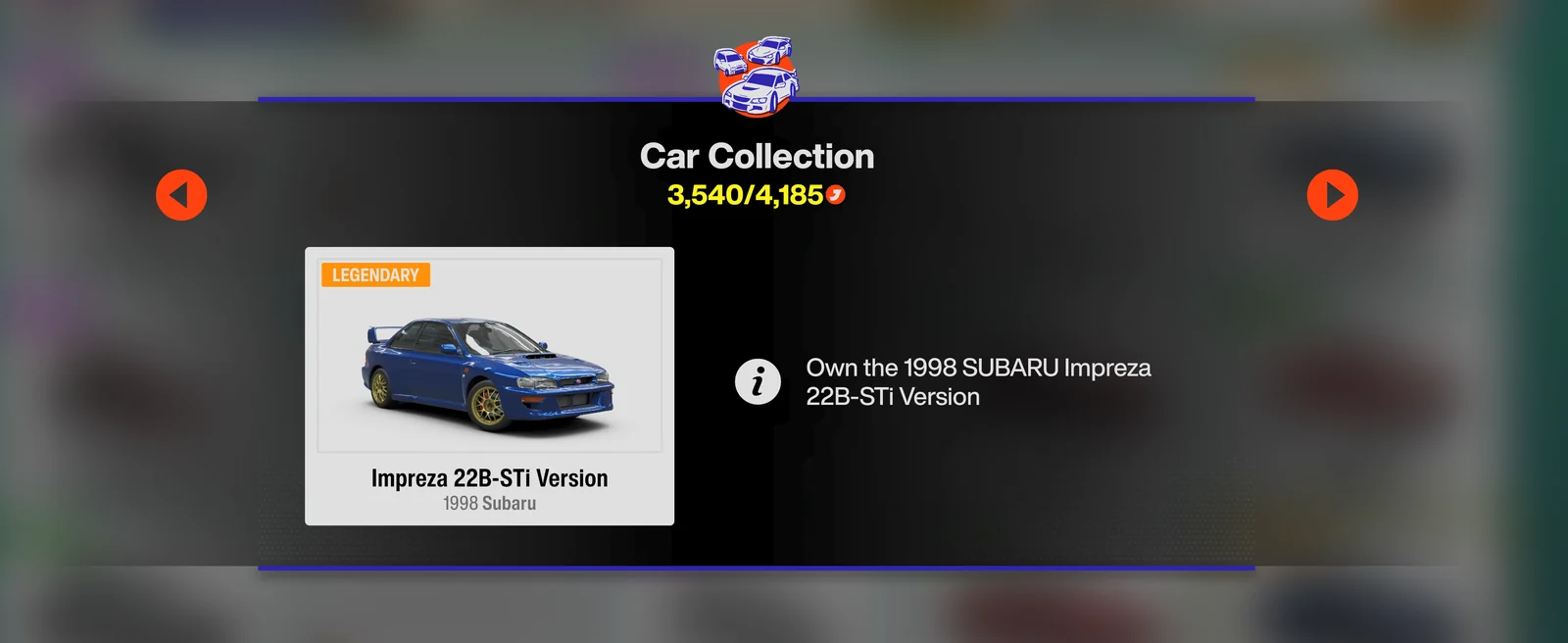
Set a small purchase count first and confirm that one complete purchase returns to this same screen before running a larger batch.
Read the complete Auto Buy Cars in Batch guide →Prepare mastery-tree Wheelspin unlocks
Sort My Cars by Recently Added. In FAFE, use the garage-block selector to mark one contiguous range containing only the cars you intend to process. The first car may use the top, middle or bottom row of the starting column. Navigation is top-to-bottom, column by column—not a snake.
Click every required mastery node in travel order from the S starting point. This works with any compatible car, not only the 22B-STI; keep cars with different tree layouts or desired paths out of the selected range. This mode uses WASD and Enter rather than screen templates.
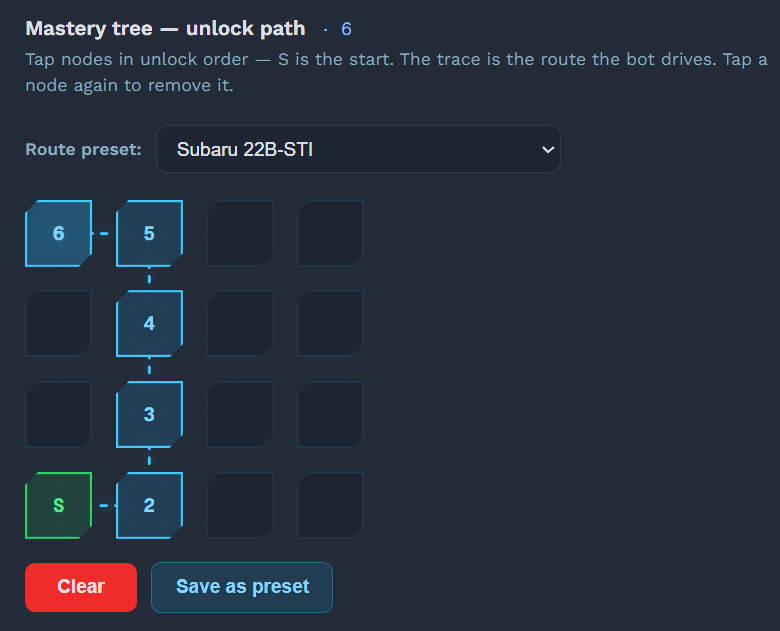
If a slower PC drops inputs, increase Cutscene Wait, Node Unlock Interval or Menu Tap Interval.
Read the complete mastery-tree Wheelspin guide →Turn Wheelspins into credits and rewards
Select normal or Super Wheelspin and choose how duplicate cars should be handled. FAFE starts the spin, attempts to skip the reveal, waits for the Collect prompt, collects the prizes and handles up to three duplicate menus.
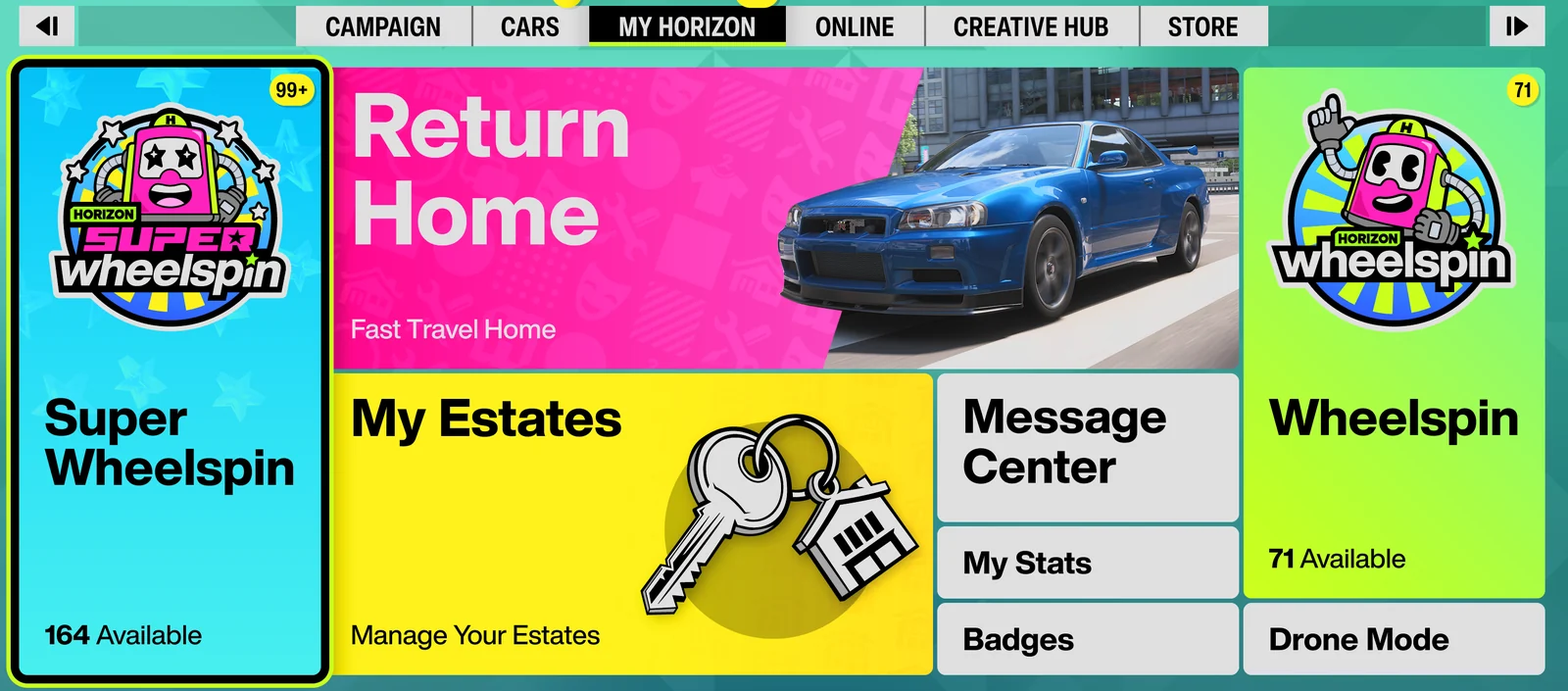
Choose Sell only if you are comfortable leaving duplicate sales unattended. A Super Wheelspin collects all three prizes together.
Read the complete Auto Wheelspins guide →Delete processed cars safely
After you finish unlocking the desired mastery rewards, Delete Used Cars can remove a contiguous garage range one car at a time. Select the first and last cars with the same garage-block selector used by the mastery feature, then carefully confirm the range before starting.
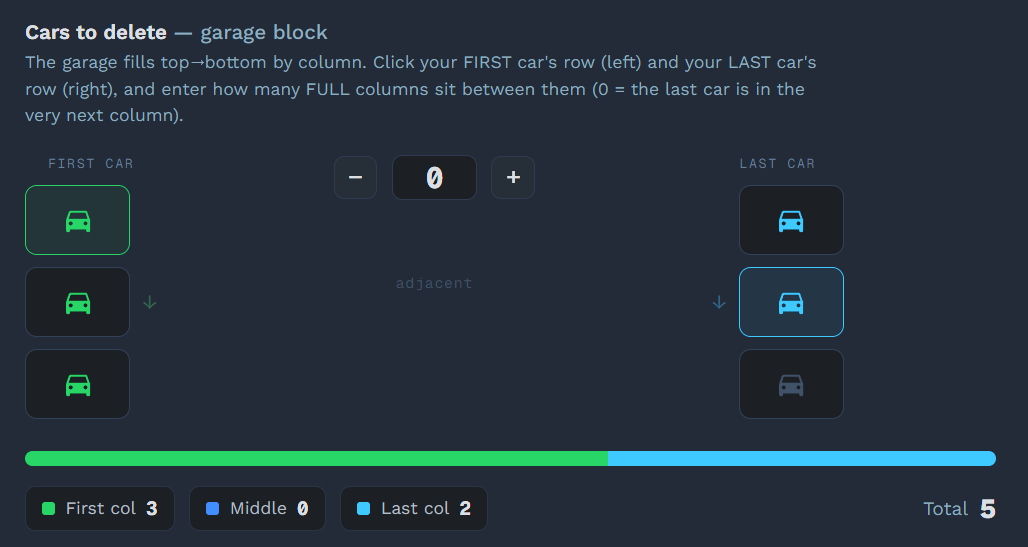
Deletion cannot be undone. Start with a very small range and keep unrelated or valuable cars outside the selected block.
Read the complete Delete Used Cars guide →Settings that improve reliability
- Background mode: works while the game is unfocused or covered; never minimize the game.
- OCR: leave it off for lower CPU use unless small-window text matching needs confirmation.
- Debug snapshots: enable only while diagnosing detection.
- Timing sliders: increase waits when low frame rate causes missed input.
- English IME: keep automatic switching enabled if a Chinese input method may consume game keys.
Troubleshooting and bug reports
- Input does nothing: check administrator privilege mismatch and the active input method.
- Detection keeps waiting: confirm the template language and expected game screen. Waiting indefinitely is intentional; press F9 to recover.
- Black or frozen capture: make sure the game is not minimized.
- High CPU usage: disable OCR and debug snapshots, and increase detection intervals.
When a problem occurs, stay on the exact failed screen and press F12. FAFE creates a zip containing an annotated detection screenshot and logs for the Discord bug-report channel.
Frequently asked questions
Does FAFE directly add money or credits?
No. It automates keyboard and mouse input around in-game races, mastery nodes and Wheelspin rewards. It does not edit memory or your credit balance.
Can FAFE farm while I use the PC?
Background mode can capture and control a covered or unfocused game window. The game cannot be minimized because minimized games stop rendering usable frames.
Is automation risk-free?
No automation tool can promise zero account risk. Use it at your own discretion and test every mode before leaving it unattended.