
Full Auto Forza Edition
Automate the grind for Forza Horizon 6 — AFK Races, mastery-tree Wheelspin unlocks, batch car buying, Auto Wheelspins, and garage cleanup. It even runs while the game is unfocused or in the background.
What is Full Auto Forza Edition?
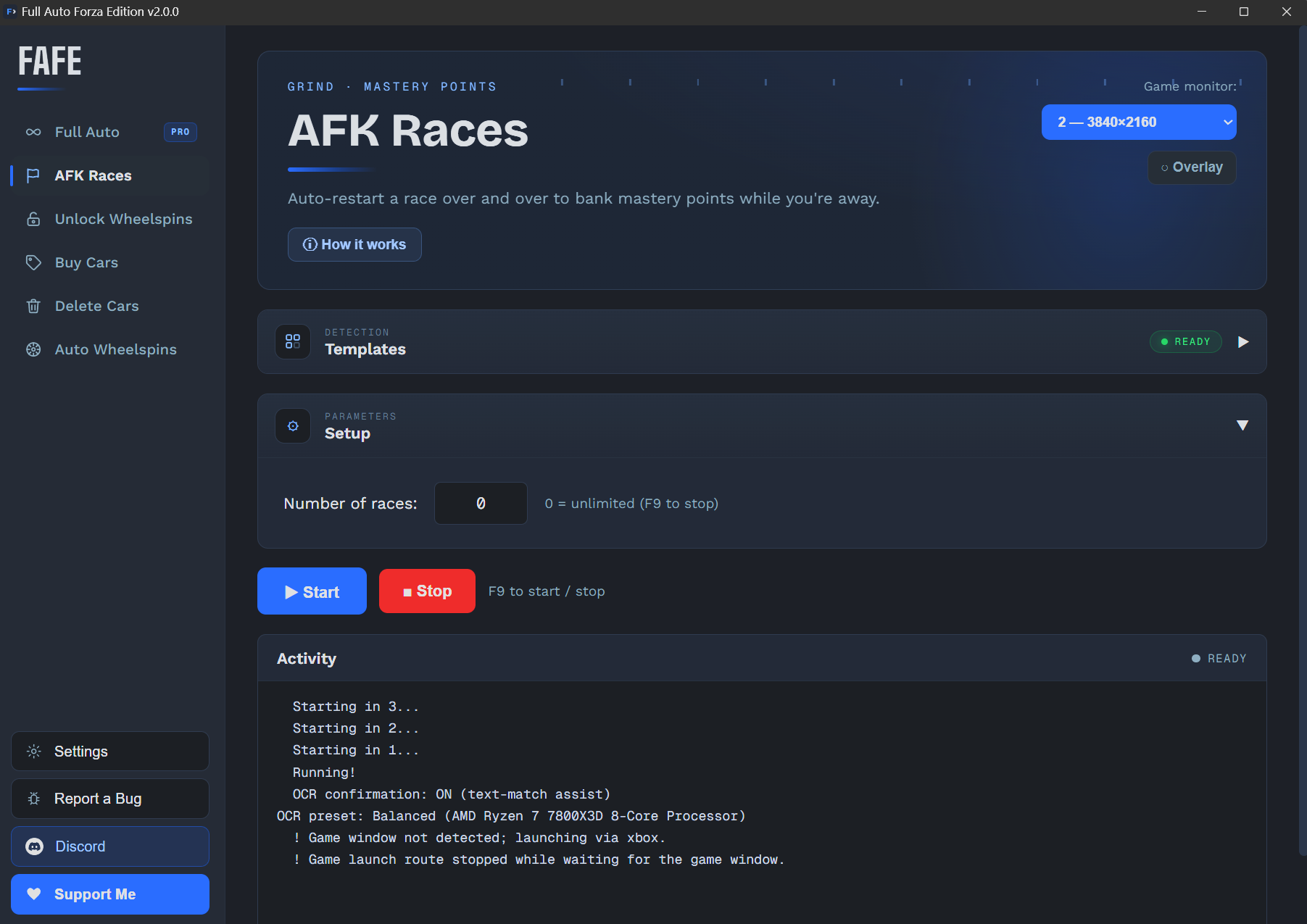
FAFE automates five of the most time-consuming repetitive tasks in Forza Horizon 6 — AFK Races for skill points, unlocking Wheelspin rewards from mastery trees, batch-buying any purchasable car, auto-spinning Super or normal Wheelspins, and deleting used cars from your garage.
It reads the game window directly and sends input via window messages, so it keeps working even when the game is unfocused, covered, or in the background. No file modification, no code injection — it simply simulates a human player.
What FAFE can do — and how to use it
Each feature opens its complete guide, so you can understand what it automates and then follow the exact setup steps.
Money, Credit & Skill Point Farm
The complete public workflow from AFK races through mastery unlocks, Wheelspins and cleanup.
ConfigurationFirst-time Setup
Select the game monitor, language and initial controls — 繁中 / English, multi-monitor, ultrawide.
ConfigurationSettings
Appearance, remappable hotkeys, language, timing controls and background mode.
AutomationAFK Races
Detects the race start and results screens, holds W through the EventLab race, restarts automatically.
AutomationUnlock Wheelspins from Mastery
Configure a mastery-tree path and garage range; FAFE unlocks the nodes and moves to each next car.
AutomationAuto Buy Cars in Batch
Batch-buy any purchasable car from Car Collection, or start from the menu with the 22B-STI preset.
AutomationAuto Wheelspins
Run Super or normal Wheelspins, collect prizes, and keep or sell duplicates until the count is complete.
AutomationDelete Used Cars
Delete a confirmed garage range one car at a time; the game selects the next car automatically.
UtilityGame Overlay
Use and position the floating status overlay while FAFE runs.
KnowledgeHow It Works
How templates auto-scale to your resolution and how background capture keeps FAFE working.
KnowledgeRecovery System
How FAFE retries failed steps and relaunches a stuck game to keep the automation going.
SupportTroubleshooting
Resolve input, timing and detection problems.
SupportReporting Bugs
Create and share an actionable F12 report.
Three steps to start
Pick your game monitor
Select the monitor your game is on. Detection templates ship built in and auto-scale — Race, Buy and Auto Wheelspins need no capturing.
Position the game, press Start
Place Forza Horizon 6 on the required screen, then click "Start" or press F9. FAFE counts down 3 seconds — with background mode on, you don't switch back.
Let it run
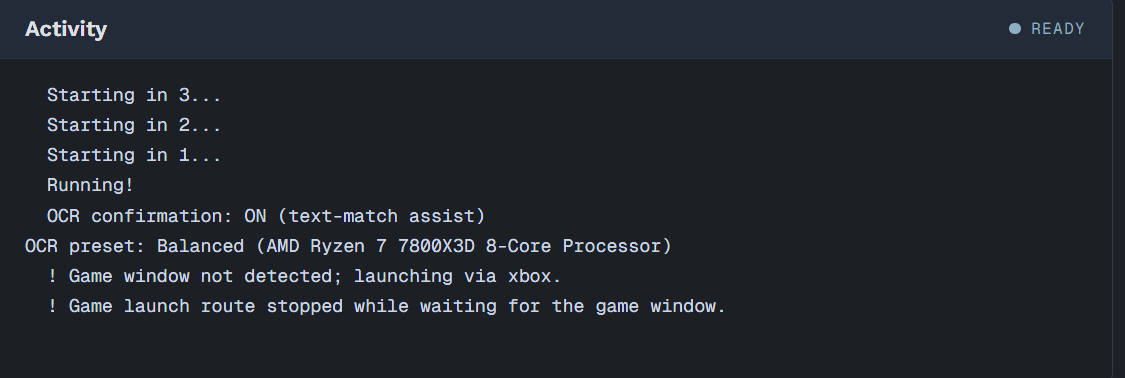
FAFE runs fully automatically. A live log shows every action in real time. To stop at any time, press F9 or click "■ Stop".
Tune for your PC
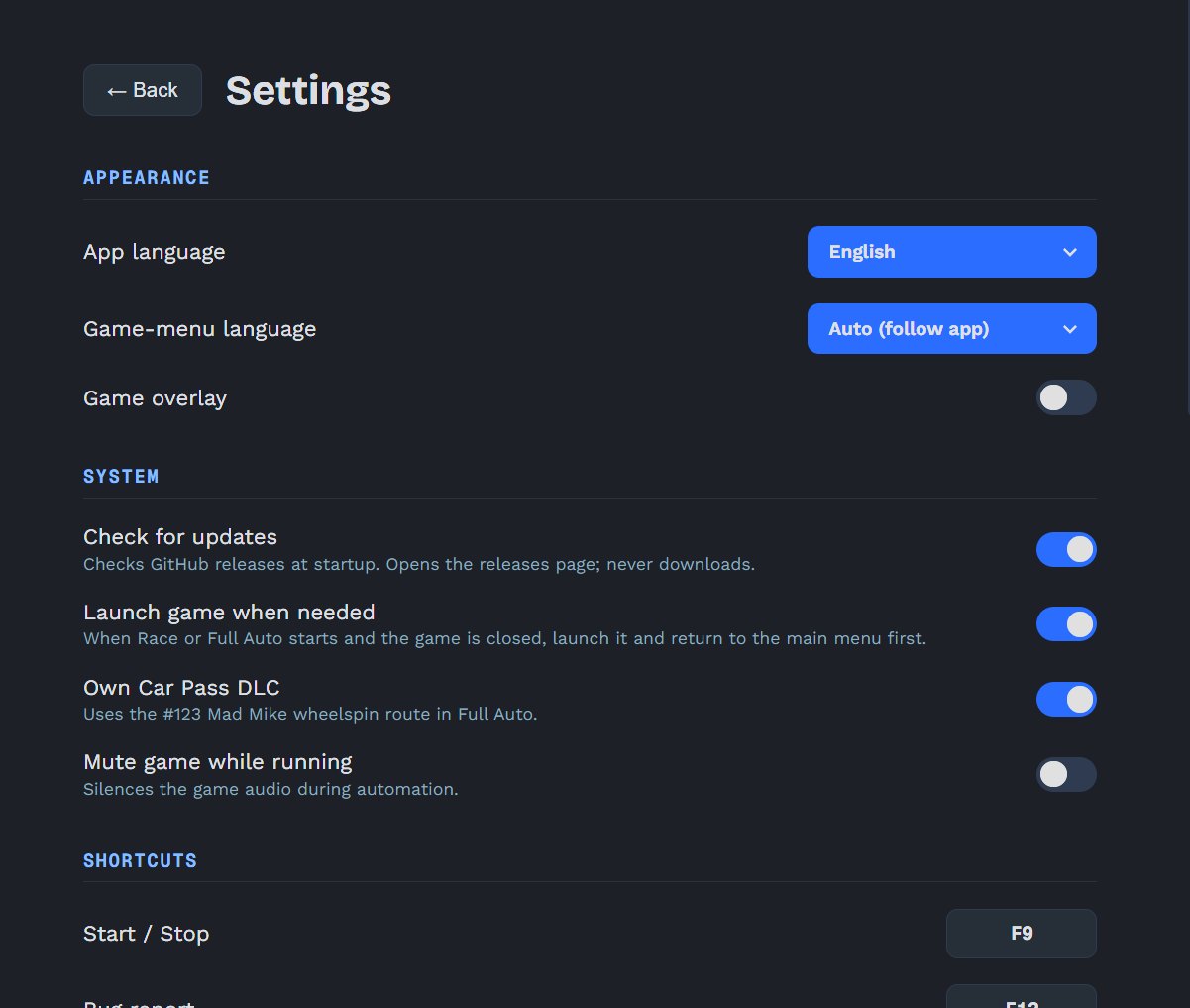
Open Settings from the sidebar to fine-tune how FAFE runs.
Each setting's explanation sits right below its title, and every change saves instantly. Adjust the settings to your own liking.
Please read before use
This tool only simulates keyboard and mouse input — no memory modification or game file tampering. That said, using any automation tool carries a risk of account action. Use at your own discretion. FAFE is an unofficial, fan-made project and is not affiliated with Forza, Playground Games, or Xbox Game Studios.